 Drumlin Studio
Websites for dental offices in Tempe
Show new patients what to bring, how to check coverage and which steps to take for an urgent dental concern.
studio@drumlinlabs.si
We’re a new studio. We’ll talk through what you need and quote the work in writing.
What customers look for on a phone
A person choosing a dentist on a phone wants to know whether your office sees new patients, what services it offers and how to ask about a plan. Give your front desk a way to keep the published plan information current. Explain how patients can confirm the details with the office and their insurer before a visit.
Separate the appointment request from the forms your office uses for personal and clinical information. A first-visit page can name the forms, explain when to arrive and list what the patient should have handy. For urgent appointments, use instructions approved by the practice and keep the hours for that route distinct from regular office hours.
If your office is in the Kiwanis/The Lakes character area and offers appointments for parents and children, write the arrival steps for the adult coordinating both visits. Make it clear which forms belong to each patient and what a parent or guardian should confirm with the office before leaving home. Put the same information on the appointment page so it can be read without returning to the home page.
What Drumlin Studio builds
New website can cover services, location and how to reach the practice. The public pages can direct people to the patient system the office already uses for intake. Website fix covers agreed repairs to layout, accessibility, speed and forms that reach the office. Local search work covers profile cleanup, a review routine and monthly reporting.
What to check on your site
Check the first-visit page with a phone that has never opened your site. Try to locate the current intake instructions, adult and child appointment details where offered, and the link your team gives patients. Use test information only and ask the office to confirm what was received.
In our own November 2026 review of Phoenix-metro dental websites, 1 of 11 had a measured website issue.
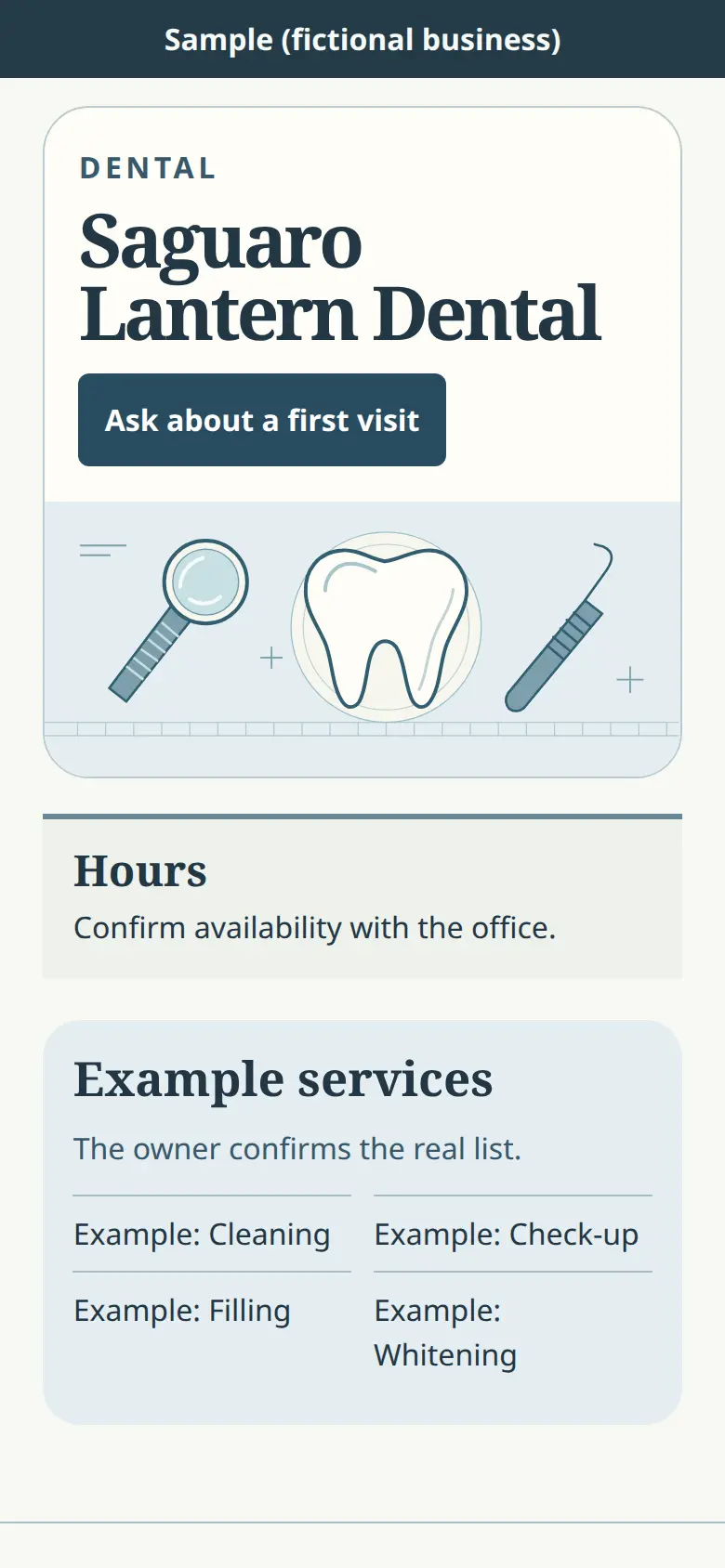
See a fictional website sample
Start with an email or a visit
Send the pages the front desk refers to most and explain how a new patient requests a visit. Sri Nesan can meet on site to show a fictional example on his phone and trace the request to the approved intake destination. Dates are settled with the quote.
Questions about your website
Can the website take medical histories?
The public website can point to your approved patient system. Keep medical histories, images and insurance identifiers in the tools your practice uses for that information.
Can we say which plans the office accepts?
Provide the office-approved wording and identify who will keep it current. Give patients a way to check their individual coverage before the visit.
Can you make first-visit directions easier to find?
Yes. Tell us the entrance patients use, what to bring and where the forms are. We can put those instructions together on a phone-friendly page.
Can we keep an existing scheduling system?
Share the public destination so we can discuss linking to it clearly. Ask the office to confirm its instructions for someone who has never booked with you.
Can we explain which appointment to choose?
The practice can write a short guide to the appointment types it offers. Use wording staff approve and point questions about care to the office.
Ask about your website
Tell us what your customers have trouble finding. A link to your current site is enough to start the conversation.
Email about your website